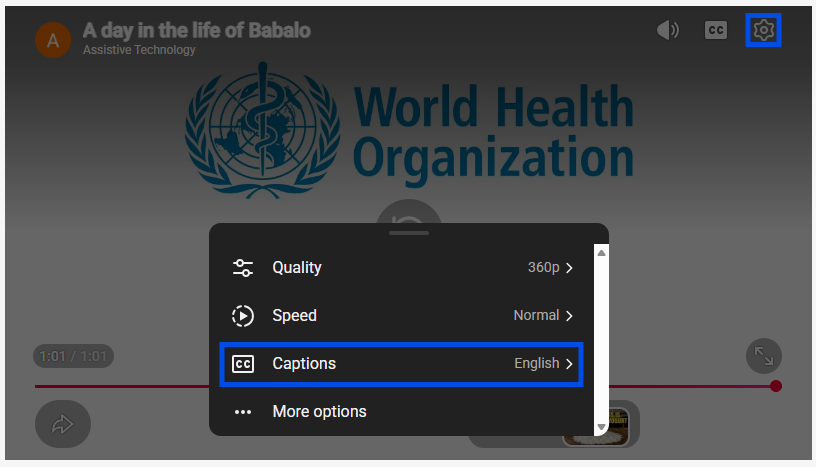
Some modules include testimonial videos with audio in English. If the module has been translated into your language, translated captions will be available. Click on the Settings icon in the top right hand corner of the YouTube video, click on the Captions menu and select your language.
Always check captions are switched on by clicking on the YouTube closed captions [cc] icon in the top right hand corner of the video.
Consent for use of information
Please let us know if you give consent for information collected during this training to be used for future reporting and research activities.
Check yes or no to each question below. If you select no, you are still very welcome to continue the training.
2. I understand that my de-identified information collected during this training (including this registration form, online feedback survey, quiz results and discussion forum) will be used in reporting and research to help improve TAP and improve access to assistive technology, and I give my consent for this.